Album Streaming Visualizer for Noise Therapy
Album Streaming Visualizers can be decomposed in three sections:
- Foreground
- Dynamic elements (optional)
- Background
I think I did an interesting work for my most recent record, Noise Therapy (no videos uploaded yet) so I will break down the visualizer.
Foreground
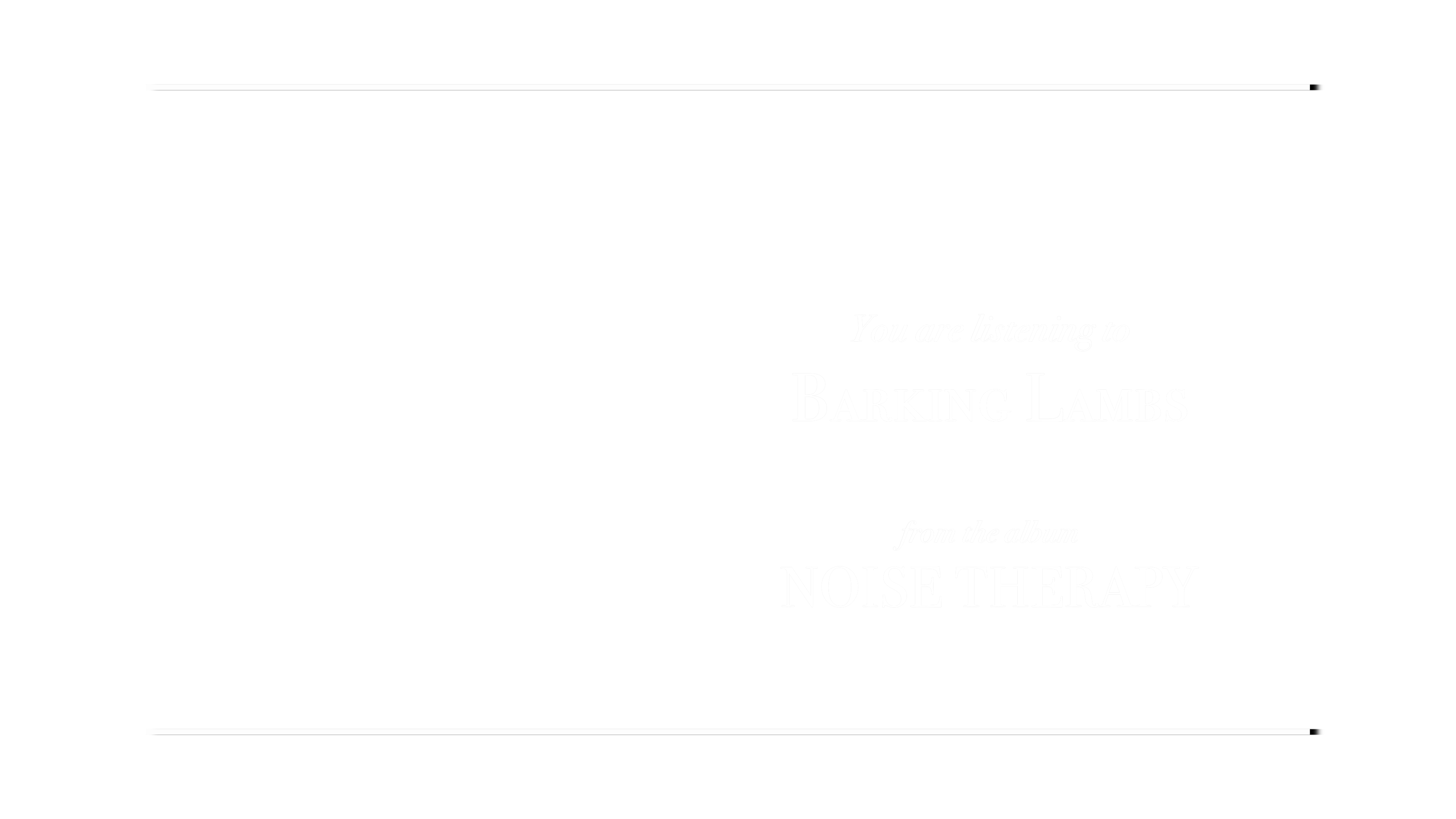
The foreground is very basic, simply some text presenting what you are listening to. I believe there should be nothing crazy in this part.
Dynamic elements
With dynamic elements, I am referring to spectrum visualizers or other elements that react to the music or have some kind of movement/animation.
For my visualizer, I recorded myself playing guitar/bass/singing in slow motion. In these shots, I tried to have a clear background that could be easy to remove later on; Final Cut has a built-in plugin that removes the background if it is clearly defined in the first frame.
Then, I added a "comic sketch" filter. Basically, it turns the image to black-and-white and highlights the edges. After this plugin, I played with the mix mode to blend these images with the background.

Background
The background can be experimental, but not as crazy as the dynamic elements. If I had concept art for the album, I would put it here, blurred and with subtle movements; else, I would use the album cover with some textures.
In fact, that's what I did with the Noise Therapy visualizer:
- The first layer is the blurred album cover.
- The second layer is a cracked marble texture.
- The third layer is a worn paper texture.

These layers are blended so that they seem like a uniform background, then I add tiny movements with Ken Burns or proyector-style effects. I also change the marble and paper textures from song to song to add more variety.